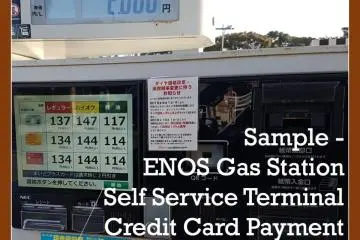
Japanese gas stations are famous for their service by helpful staff. There are occasions, though, when there is no service available or automated stations are uncrewed in the middle of the night. This is the time foreign motorists are confronted with the Japanese language only self-service terminals.
Although pretty self-explanatory, Japanese terminology or questions of topic regarding bonus cards might confuse the first time user. Your smartphone's translation software might also have a hard time due to the sometimes colorful fonts used on screens or lack of internet connection.
For these occasions, this guide shows the usual process to follow on most self-service terminals.
General Setup
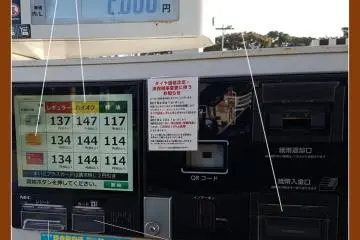
The gas station terminals usually feature a touch screen that guides the customer through the process. There is usually no choice of language options. Several slots for credit cards, cash, and receipts are marked in Japanese and will light up in modern terminals to helpfully indicate which one to use. Also, most terminals feature audio instructions in Japanese.
This walkthrough follows a credit card payment for a full tank of regular fuel.
The Start Screen
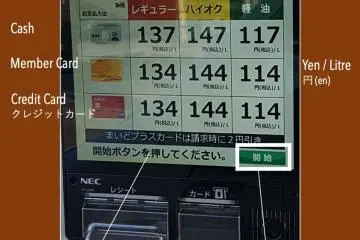
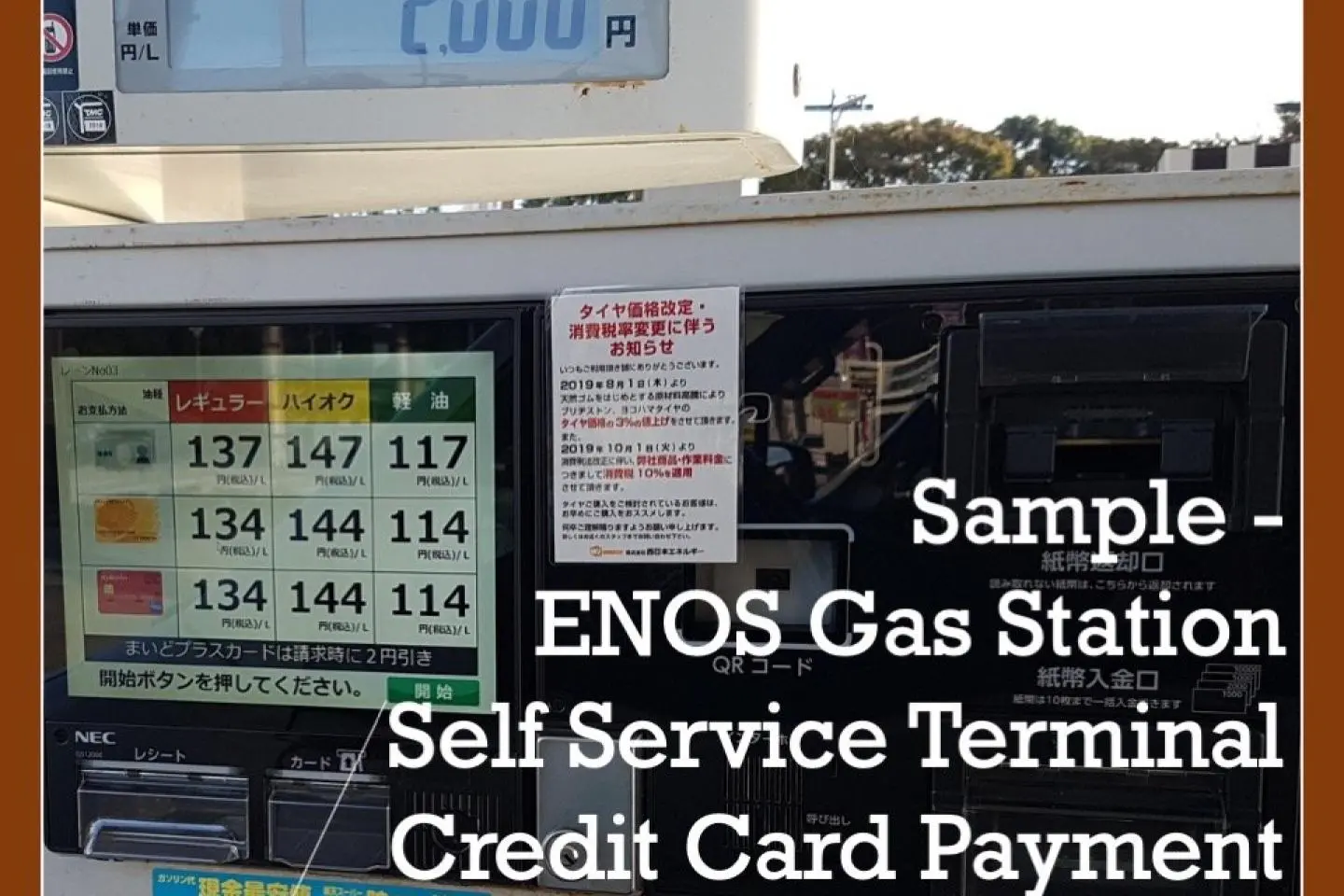
On arrival, the terminal's touch screen usually displays an overview of pricing, sorted by fuel and payment means. Press the green start button "開始" (Ka-i-shi) to begin.
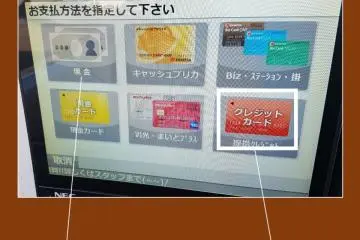
1. Payment Choice
The screen shows you some options regarding payment. From the displayed mix of member-, credit card or cash options, one usually chooses cash 現金 (Gen-kin) or credit card (クレジットカード).
2. Credit Card Confirmation
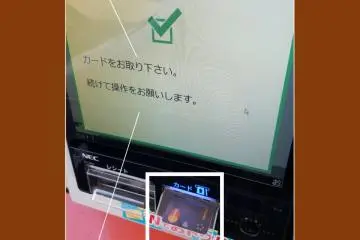
The screen acknowledges the inserted card. Remove your credit card from the slot.
3. Reward Point Cards
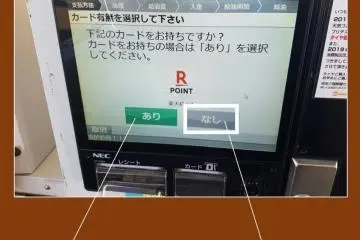
There might be a follow-up question on if you own a reward point card. As a tourist, you are most likely not to, so proceed with no.
4. Fuel Choice
There is usually the choice of High Octane, Regular, and Diesel Fuel. The buttons follow the same color code as the nozzles.
5. Amount Choice
Here you can either chose the amount of yen you would like to spend or the amount of liters.
Look out for the convenient "Full Tank" button.
6. Start Fueling
This screen confirms your choices and indicates which colored nozzle to use to fill up your car.
7. Fuel Nozzles
The nozzles follow the same color code as the fuel choice on the screen.
8. Receipt
Once you returned the nozzle, your receipt will be issued via the receipt slot.
9. Alternate Setups
Whatever brand of gas station you are stopping at, they usually follow the same setup in color coding and terms used.
Look out for these kanji and kana to navigate the self-service menus: